

Health4Travel helps travellers search, compare and book outpatient doctor care abroad where availability is supported.
Why booking a doctor abroad online is easier
Finding a doctor in an unfamiliar city, in another language, is stressful. Booking online lets you search by destination and service, review available information before you book and continue to the booking flow when you are ready.
This means less time on the phone, clearer expectations and a written booking record you can keep for later follow-up.
What types of care may be available
Depending on the destination and provider, travellers may be able to book:
- general practitioner (GP) style outpatient consultations
- outpatient dental consultations
- selected specialist consultations where supported
- telehealth consultations where available
Availability varies by location and provider.
How to book a doctor abroad in four steps
Choose your city and service
Tell us where you are and what type of outpatient care you need.
Compare available providers
Review available information such as provider options, appointment availability and pricing where supported.
Book and receive confirmation
Complete the booking flow and receive the relevant booking details and instructions.
Visit and keep your documents
Attend the appointment and retain relevant confirmations, receipts or documentation for later follow-up.
See how booking care abroad works
From comparing available options to confirming your booking.
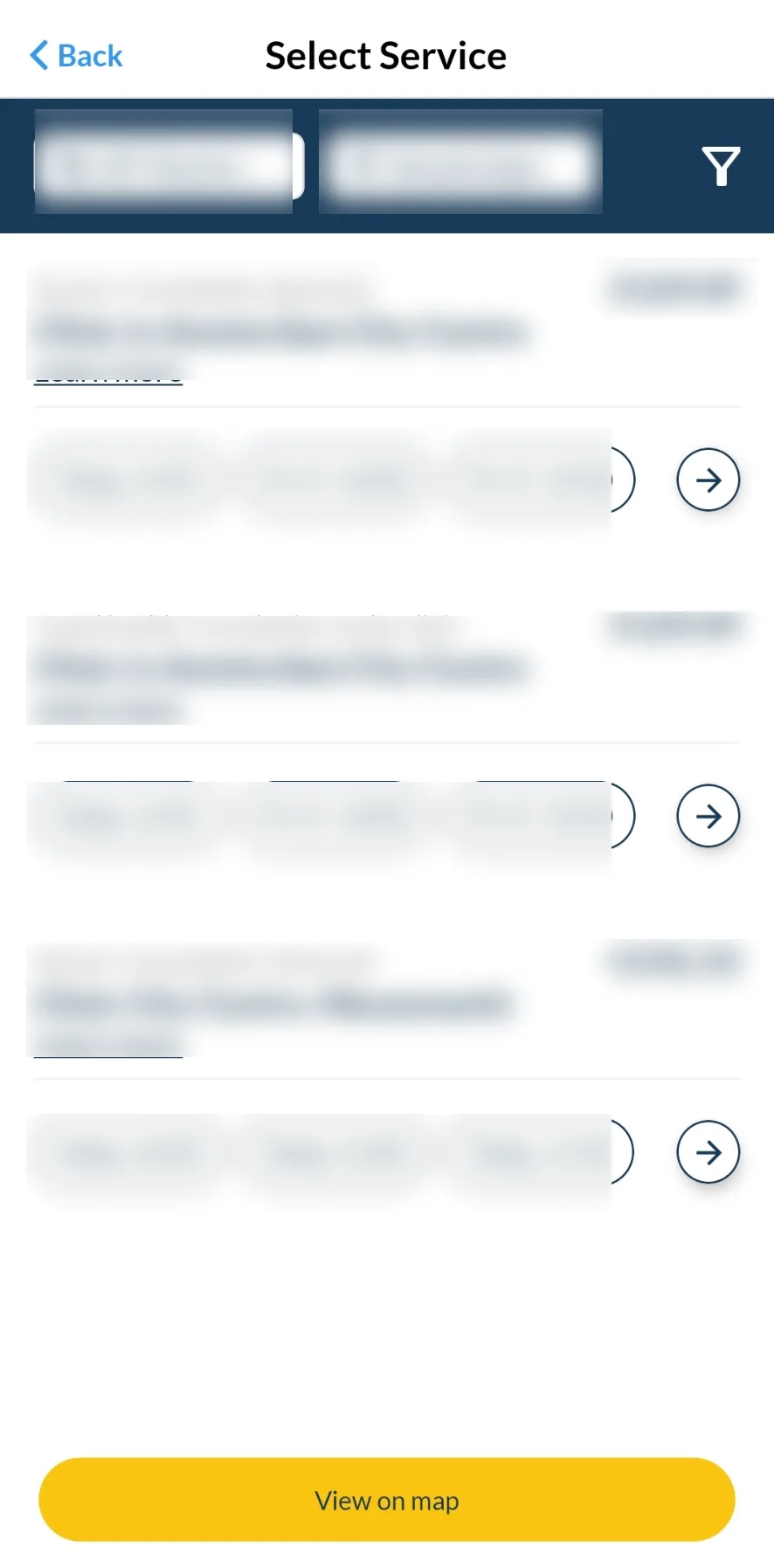
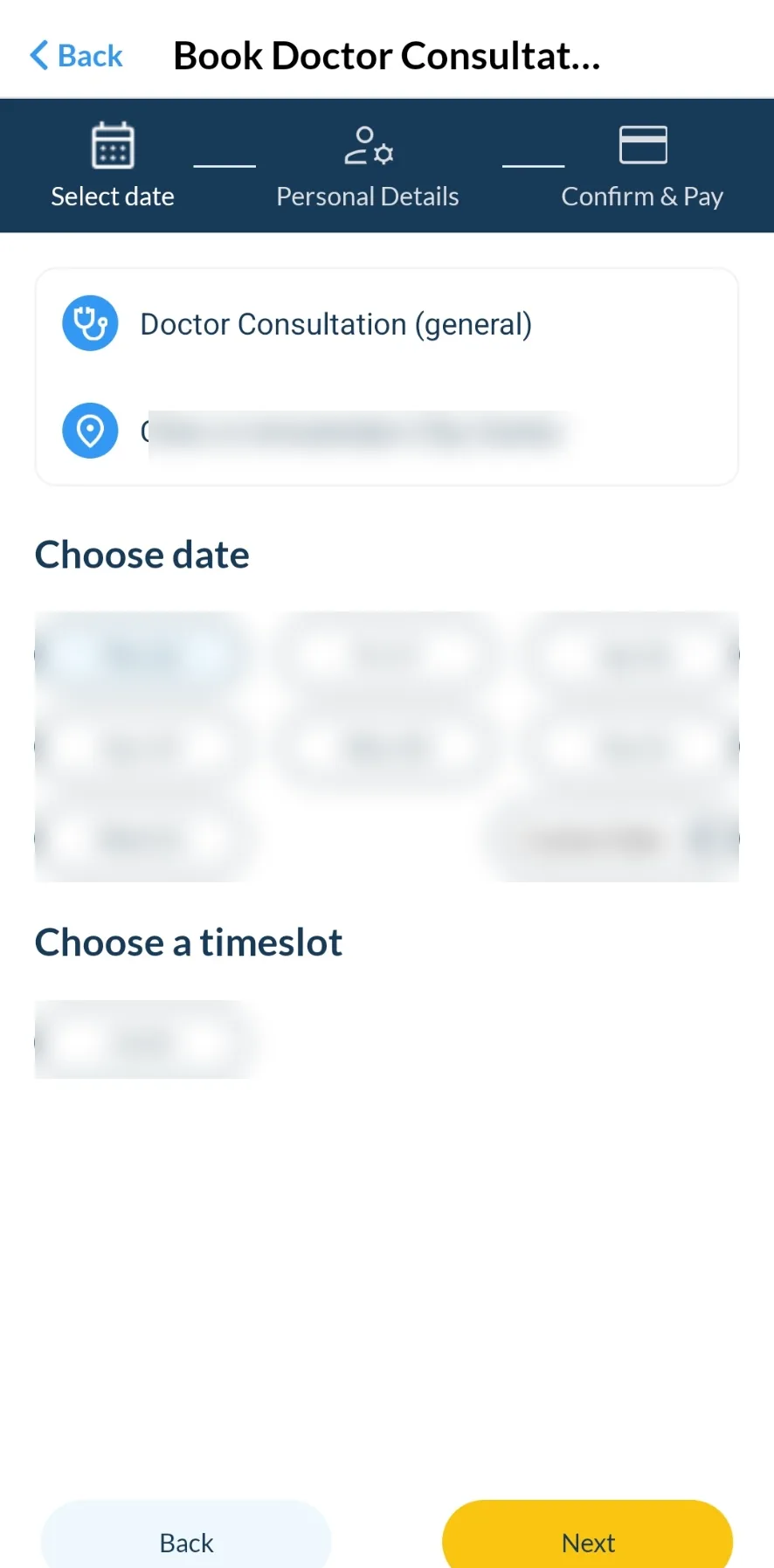
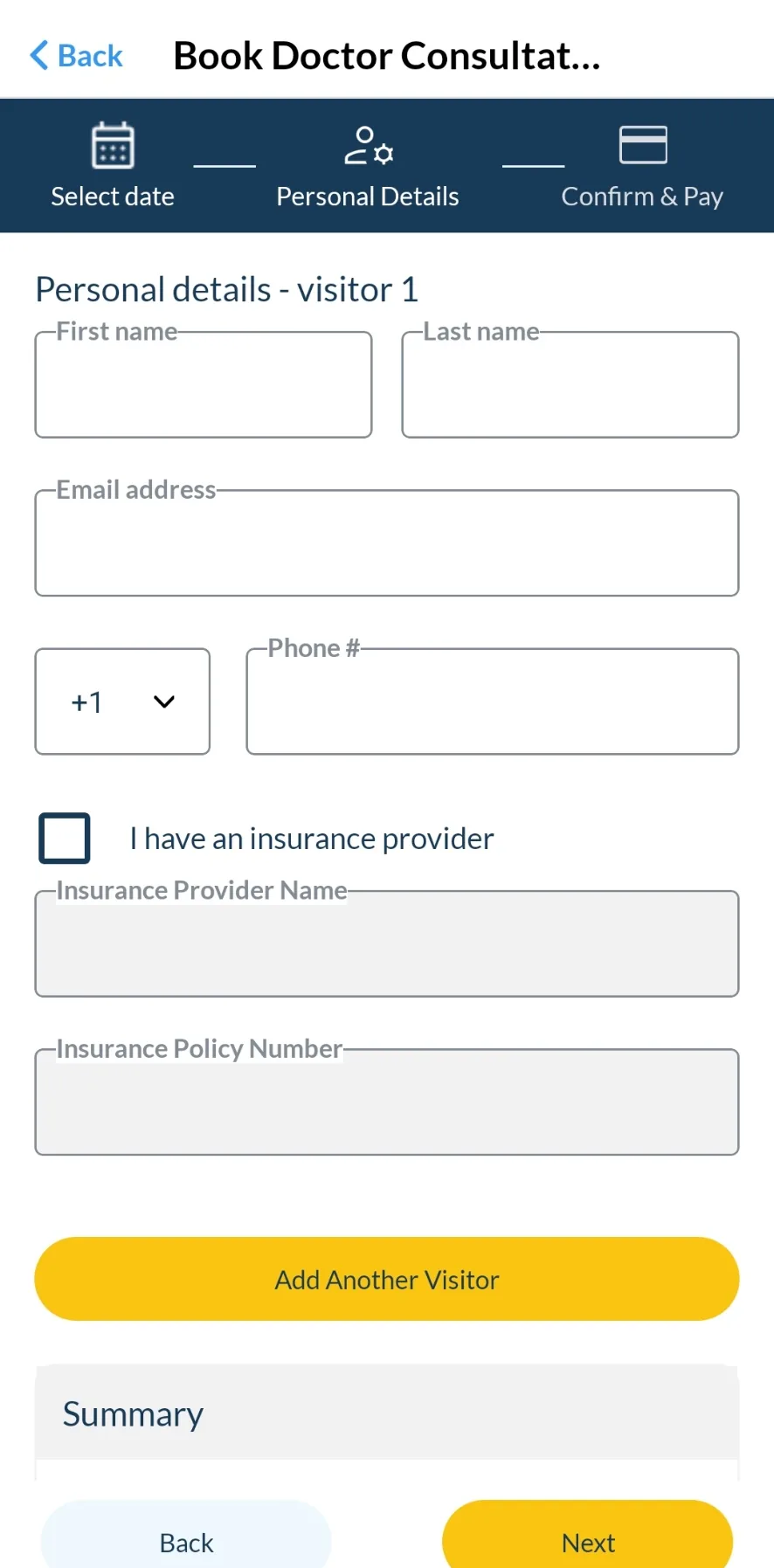
Example screens from the Health4Travel customer app. Providers, prices, dates and appointment options vary by destination.
Need a doctor while travelling?
Search, compare and book outpatient doctor care at your destination where availability is supported.
Life-threatening emergency? View emergency numbersProvider, availability and pricing information
- Availability varies by location, service and provider.
- Prices are visible where they are provided by the provider.
- Language availability varies by location and provider.
- Booking confirmation and instructions are sent through the relevant workflow.
- Health4Travel does not guarantee a specific provider or appointment.
Keep relevant documents organised
Keep confirmations, receipts and relevant documentation accessible for insurance follow-up. Reimbursement depends on the policy.
Practical traveller tips
- Set up the Health4Travel app before departure so it is ready if you need care.
- Keep your insurance policy number and assistance contact accessible.
- Note the local emergency number for your destination.
- Keep relevant booking confirmations and receipts organised.